Book a workflow review or a demo
Two ways to start. A workflow review is a visit to your premises, where our engineer and yours walk the site and talk through how the work flows today — no charge, no obligation. A demo is about an hour, in person or online, running DraftSight or SOLIDWORKS on work like yours.
Most software demos show you a part the vendor prepared earlier, and it always works. That tells you nothing about whether the tool handles your work.
So tell us what you build, and we'll run the demo on something that looks like it — a bus body frame, an MEP services layout, a moulded enclosure.
Our file, not yours. Nothing to clear with your client, nothing to send us.
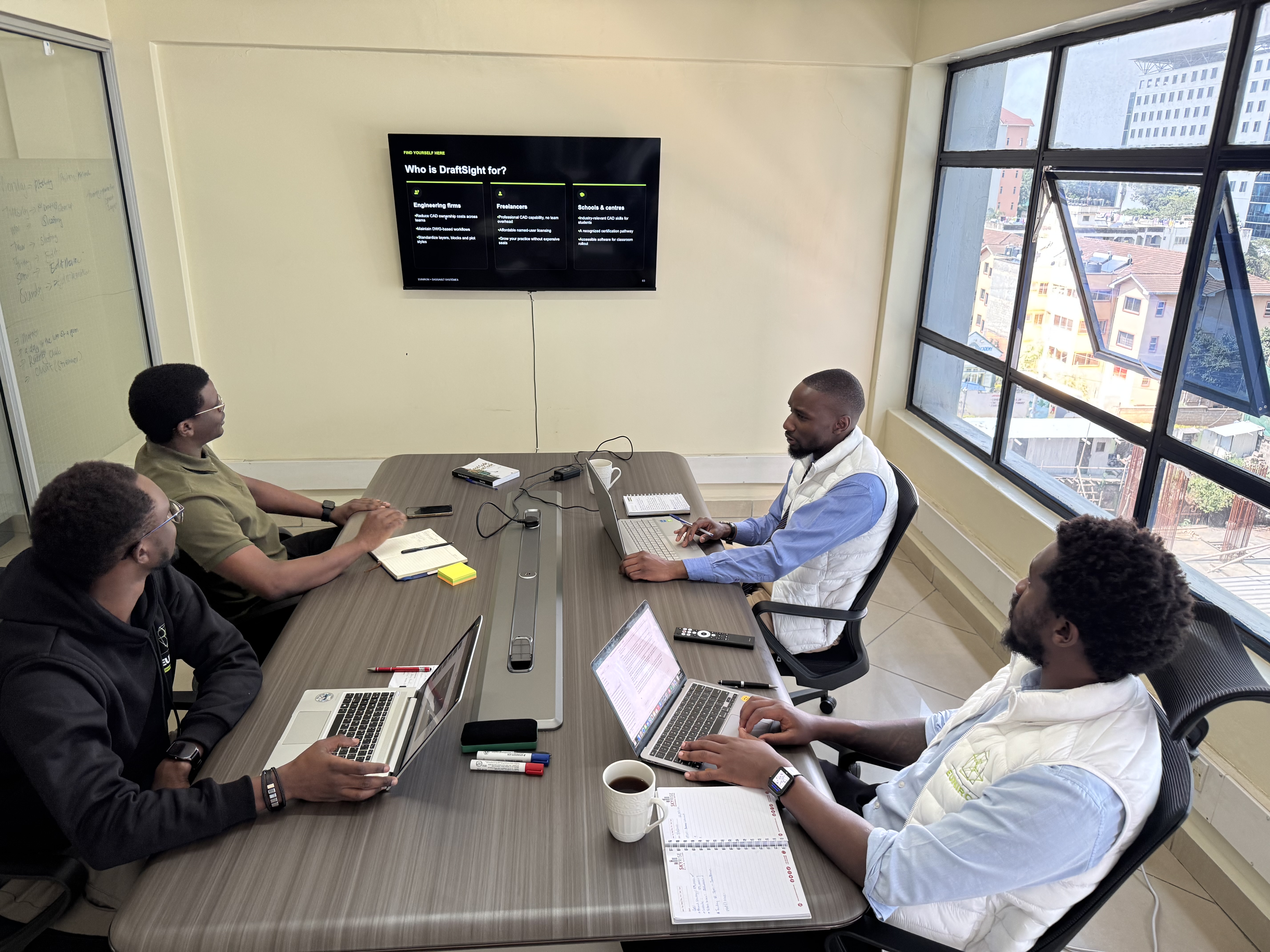
What actually happens.
About an hour. Online, or at your office if you're in Nairobi. Four parts, and only the first one is us talking.
Who you'd be dealing with
Five minutes. We started in December 2025. We're an authorised Dassault Systèmes reseller, and our implementation process comes from CAD2M in the Netherlands, who have been putting these tools into manufacturing companies for thirty-five years.
Proof, and it depends which one you came for
If you work in 2D — we open DWG, DXF and Revit files in DraftSight while you watch, so you can see for yourself that your existing drawings come in clean. Revit needs DraftSight Premium rather than Professional, and we'll show you that difference in the session so it isn't a surprise on the invoice.
If you design in 3D — we build a model in SOLIDWORKS in front of you, then change one dimension and let you watch everything downstream update with it: the assembly, the sheet metal flat pattern, the cut list. That is design intent held by the model instead of remembered by whoever drew it. It's also the reason the rework stops.
A job like yours
We run the exercise on a file of ours that matches what you actually build, so you're watching your own kind of work rather than a vendor showreel.
Your hands on the keyboard
On your own machine. We install a trial licence before we start. If you want to open one of your own drawings at that point you can — on your computer, without sending it to anybody. If your work is under NDA, that's how you test this against real files without a confidentiality problem.
If it isn't the right fit, we'll say so in the session.
What we need from you
Nothing confidential. Just tell us what you build and what's slowing it down, and we'll pick a matching file from our side.
We'll send a trial licence a couple of days ahead so it's installed and working when we start.
Who runs it
Our engineer. He is SOLIDWORKS-certified, and he taught this software for years before joining us — so when something breaks in the session, you get an explanation rather than an excuse.
Book the demo.
Max 4MB. Accepted: .dwg, .dxf, .sldprt, .sldasm, .step, .stp, .igs, .iges, .ipt, .iam, .x_t, .zip.
No cost and no obligation.